Conversation


- Removed unnecessary files
- Added first tests
- Added first components
- Added dependencies for testing
…not yet created components
- First iteration for base components
- Modified Header structure: created StyledSection component to a better arrangement of components
- Added card component
- Added HomeVideos component
- Added tests for new added components
- Added/refactored styles for HomeVideo and Card component
- Refactored tests for Card component
…ests refactor to comply just with react-testing-library
- Added roles to elements to improve accesibility
- Refactored tests to find elements by role instead of their id
- ✨ Added theming prototype
- ✅ Added first specs to test integration with theming
- Changed directory name 'Base' to 'ui', indicating that files contained here will be for general UI integration
- Updated tests in Card component
- Refactored code
- Moved mocked files to a new folder
- Mocked API calls
- Created tests for custom hooks
- Added test for YT playback frame
- Added component for youtube playback
- Added SmallVideoCard component
- Added RelatedVideoList component
- Added styles for each new component
- Added tests for each new component
- Removed unnecesary code from VideoPlayerContainer
- Added tests to assert small captions video change
- Improved code format

 jparciga
left a comment
jparciga
left a comment
jparciga
left a comment
There was a problem hiding this comment.
Mini-Challenge 3 Feedback:
Acceptance Criteria
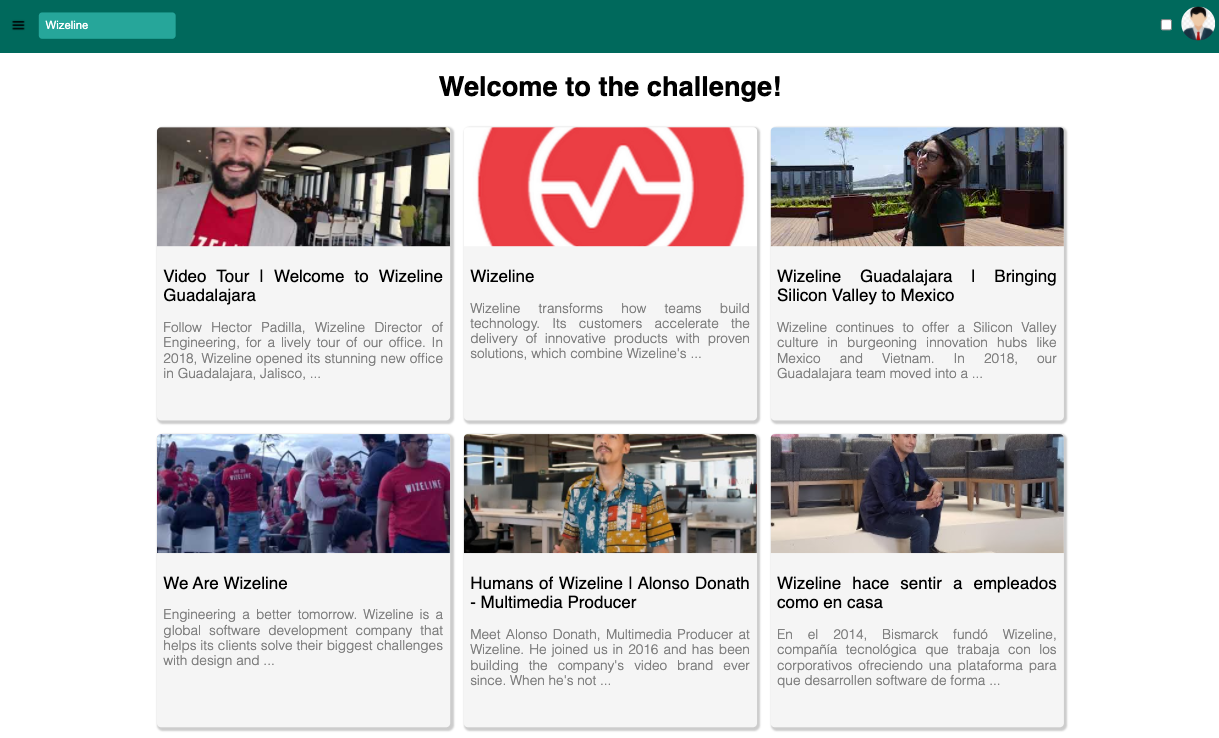
✅ Videos in the Home View are fetched from the YouTube API and displayed correctly.
✅ Users can search for YouTube videos using the search field on the header.
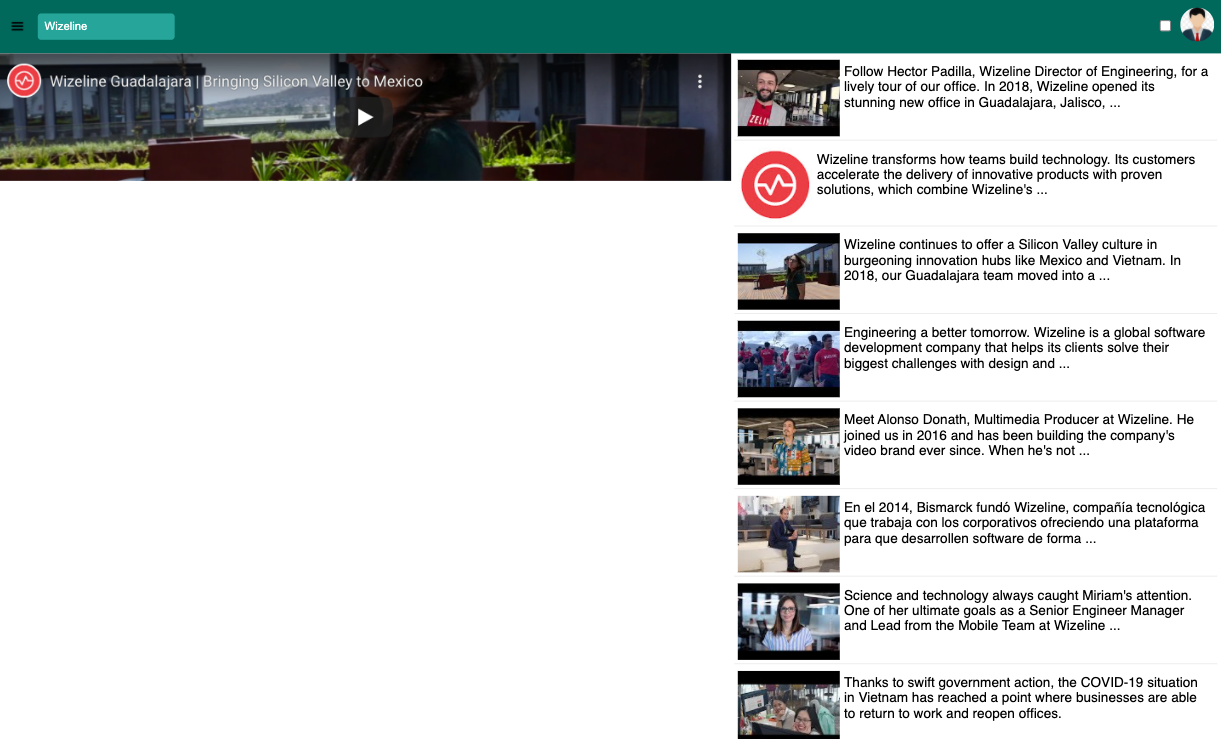
✅ A video can be played from the Video Details View after clicking on it.
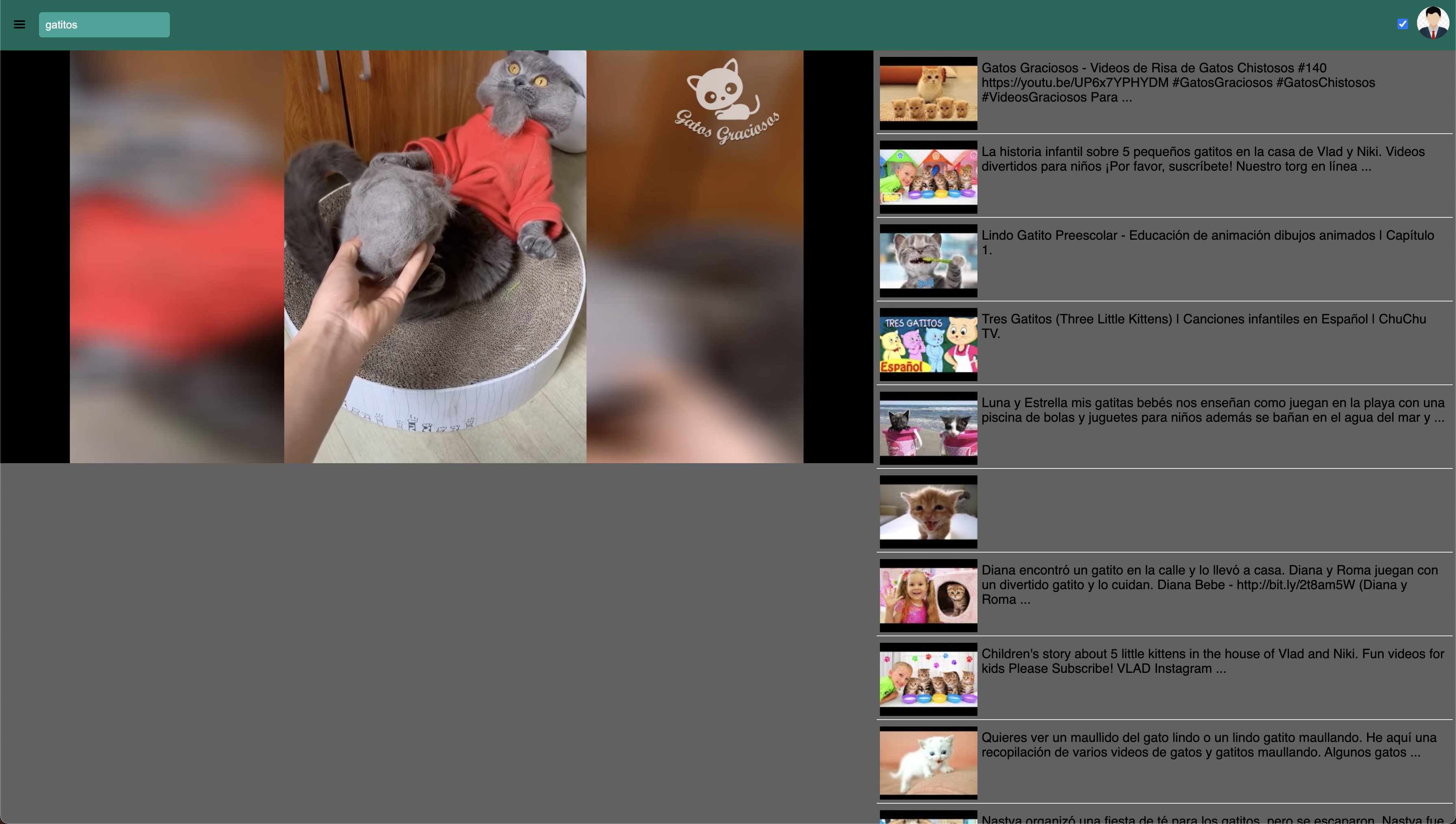
✅ The video information and related videos list are displayed correctly on the Video Details View: Please add the title and description for the selected video on the Video Details View.
✅ When a user clicks on a related video the video player, information, and related videos list are updated.
Bonus Points
✅ Custom Hooks for API calls are implemented and tested correctly.
✅ Testing coverage is above 60%. (Please include a screenshot of the code coverage report in your PR description).
Improvements
- Whenever you have time, it'll be great to apply media queries to have a responsive design
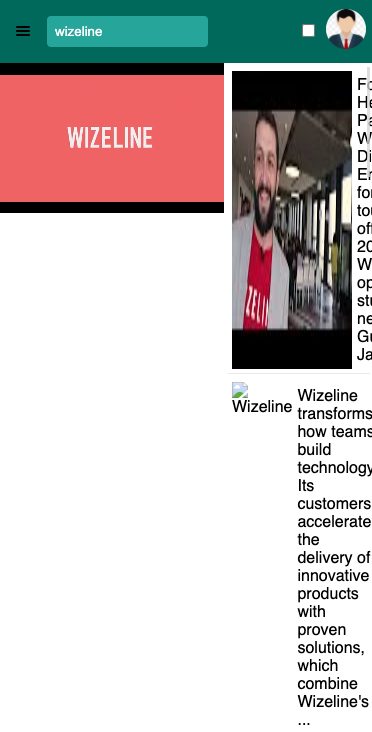
- For some reason the video player size is looking weird
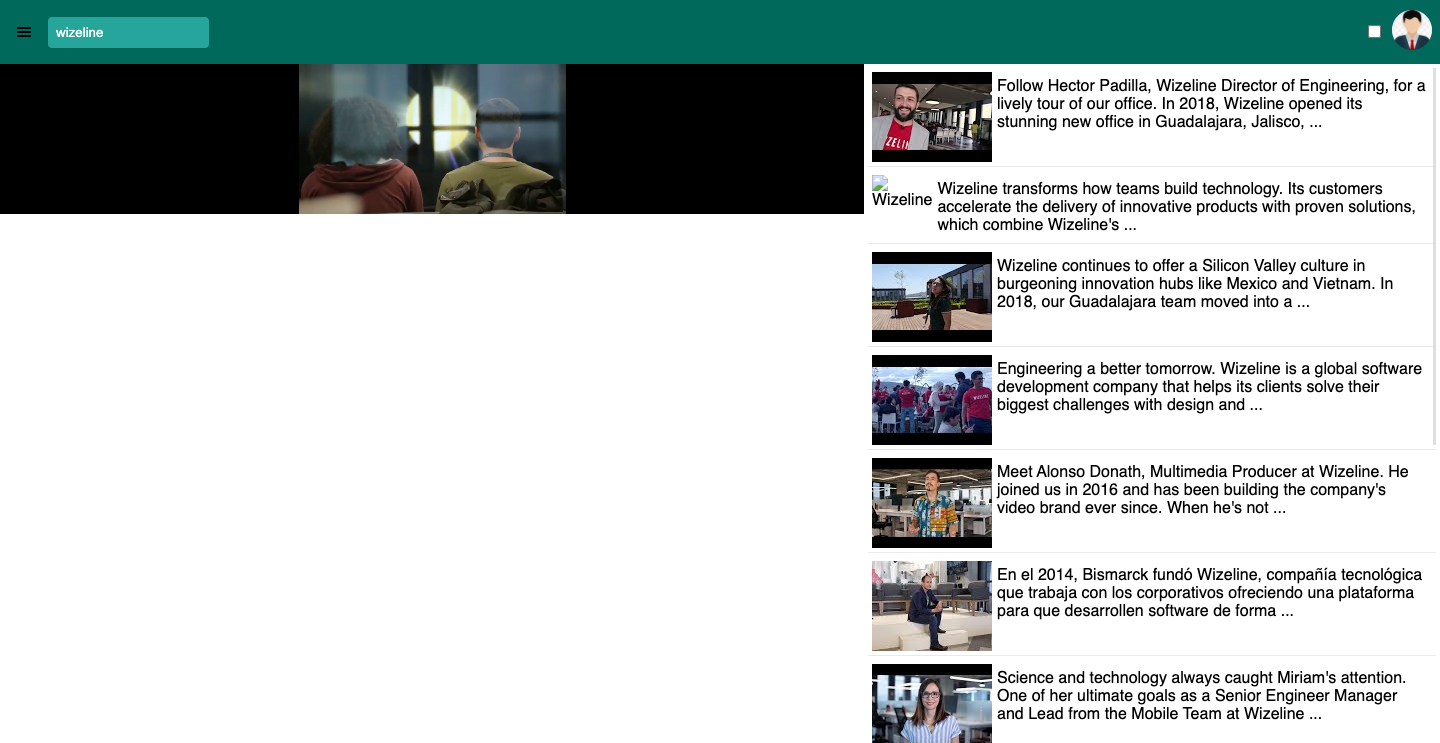
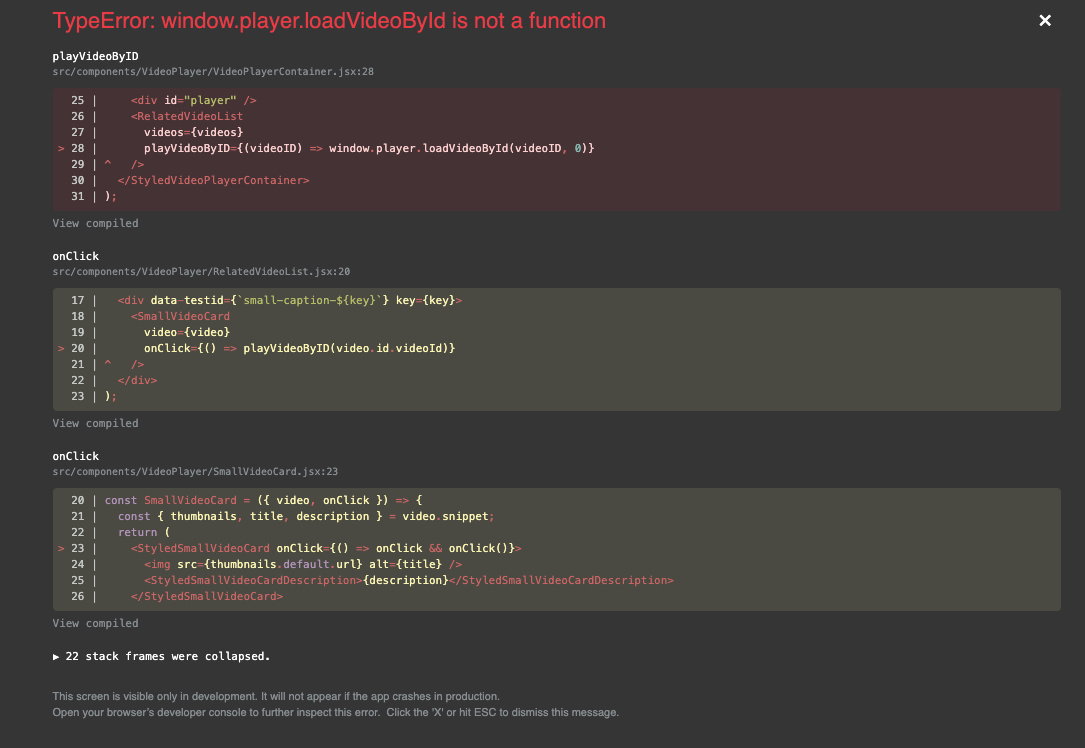
- Sometimes when I click on a related video the following error appears:
| const contextValue = { search: jest.fn(), videos: youtubeMockedData.items }; | ||
| const Wrap = contextWrapper(SearchContext, contextValue, Component); | ||
| const { container } = renderWithTheme(Wrap, theme); | ||
| return { container }; |
There was a problem hiding this comment.
That's a nice way to mock the context value 👌🏻
| it('shows content complying with ARIA attributes', () => { | ||
| const video = youtubeMockedData.items[0]; | ||
| const { container } = build(<VideoCard video={video} />); | ||
|
|
||
| const img = getByRole(container, 'img'); | ||
| const figcaption = container.querySelector('figcaption'); | ||
|
|
||
| expect(img).toHaveAttribute('alt', video.snippet.title); | ||
| expect(img).toHaveAttribute('src', video.snippet.thumbnails.high.url); | ||
| expect(figcaption).toHaveTextContent(video.snippet.description); | ||
|
|
||
| expect(getByTitle(container, 'video-title')).toHaveTextContent(video.snippet.title); | ||
| expect(container).toHaveTextContent(video.snippet.description); | ||
| }); |
| it('fires user search until presses enter', () => { | ||
| const EXPECTED_TEXT = 'Hello, '; | ||
| const TRIGGER_TYPING = 'there'; | ||
| const { searchInput, contextValue } = build(); | ||
| fireEvent.change(searchInput(), { target: { value: TRIGGER_TYPING } }); | ||
| fireEvent.change(searchInput(), { target: { value: EXPECTED_TEXT } }); | ||
| expect(searchInput().value).toBe(EXPECTED_TEXT); | ||
| expect(contextValue.search).not.toHaveBeenCalled(); | ||
| fireEvent.keyPress(searchInput(), { key: 'Enter', code: 13, charCode: 13 }); | ||
| expect(contextValue.search).toHaveBeenCalled(); | ||
| }); |
| const StyledLayoutWrapper = styled.div` | ||
| background: ${({ theme }) => theme.color.background}; | ||
| width: 100%; | ||
| height: 100%; | ||
| `; | ||
|
|
||
| const LayoutWrapper = ({ children }) => { | ||
| const { theme } = useContext(ThemeContext); | ||
|
|
||
| return ( | ||
| <StyledLayoutWrapper data-testid="layout-wrapper" theme={theme} role="application"> |
There was a problem hiding this comment.
It's not necessary to get the current theme from the context so your styled-components can use it. Since you're wrapping your App using the ThemeProvider all your styled-components will automatically receive the current theme in their props. https://styled-components.com/docs/advanced
| const StyledLayoutWrapper = styled.div` | |
| background: ${({ theme }) => theme.color.background}; | |
| width: 100%; | |
| height: 100%; | |
| `; | |
| const LayoutWrapper = ({ children }) => { | |
| const { theme } = useContext(ThemeContext); | |
| return ( | |
| <StyledLayoutWrapper data-testid="layout-wrapper" theme={theme} role="application"> | |
| const StyledLayoutWrapper = styled.div` | |
| background: ${({ theme }) => theme.color.background}; | |
| width: 100%; | |
| height: 100%; | |
| `; | |
| const LayoutWrapper = ({ children }) => { | |
| return ( | |
| <StyledLayoutWrapper data-testid="layout-wrapper" role="application"> |
| useEffect(() => { | ||
| /* global YT */ | ||
| /* eslint no-undef: "error" */ | ||
| window.player = new YT.Player('player', { | ||
| height: '50%', | ||
| width: '60%', | ||
| videoId, | ||
| }); | ||
| }); |
There was a problem hiding this comment.
It might be a good idea to add the videoId as a dependency for this useEffect so this code its executed only when the videoId changes.
| useEffect(() => { | |
| /* global YT */ | |
| /* eslint no-undef: "error" */ | |
| window.player = new YT.Player('player', { | |
| height: '50%', | |
| width: '60%', | |
| videoId, | |
| }); | |
| }); | |
| useEffect(() => { | |
| /* global YT */ | |
| /* eslint no-undef: "error" */ | |
| window.player = new YT.Player('player', { | |
| height: '50%', | |
| width: '60%', | |
| videoId, | |
| }); | |
| }, [videoId]); |
| import React from 'react'; | ||
| import { render } from '@testing-library/react'; | ||
| import { ThemeProvider } from 'styled-components'; | ||
| import { lightTheme } from '../../../providers/themes'; | ||
|
|
||
| const renderWithTheme = (Component, theme = lightTheme) => { | ||
| const contextValue = { theme, switchTheme: jest.fn() }; | ||
| return render(<ThemeProvider theme={contextValue}>{Component}</ThemeProvider>); | ||
| }; | ||
|
|
||
| export default renderWithTheme; |
| import youtubeMockedData from './youtubeMockedData'; | ||
|
|
||
| const errorObject = { | ||
| error: { | ||
| code: 403, | ||
| message: '', | ||
| errors: [ | ||
| { | ||
| message: '', | ||
| domain: '', | ||
| reason: '', | ||
| }, | ||
| ], | ||
| }, | ||
| }; | ||
| const mockedGoogleAPIObject = (shouldResolveToSuccess = true) => ({ | ||
| load: jest.fn(), | ||
| client: { | ||
| request: jest.fn().mockReturnValue( | ||
| new Promise((res, rej) => { | ||
| if (shouldResolveToSuccess) { | ||
| res({ result: youtubeMockedData }); | ||
| } | ||
| rej(errorObject); | ||
| }) | ||
| ), | ||
| }, | ||
| }); | ||
|
|
||
| export default mockedGoogleAPIObject; |
2 participants


What this PR do?
Performs tasks specified for Mini challenge 3
Any background context you want to provide?
Add your google API Key in a file called
.env.developmentunder the name ofREACT_APP_YOUTUBE_KEYNotes:
Where should the reviewer start?
Well... I'm not sure, it was a really big refactor and new features.
How should this be manually tested?
running tests
Screenshots
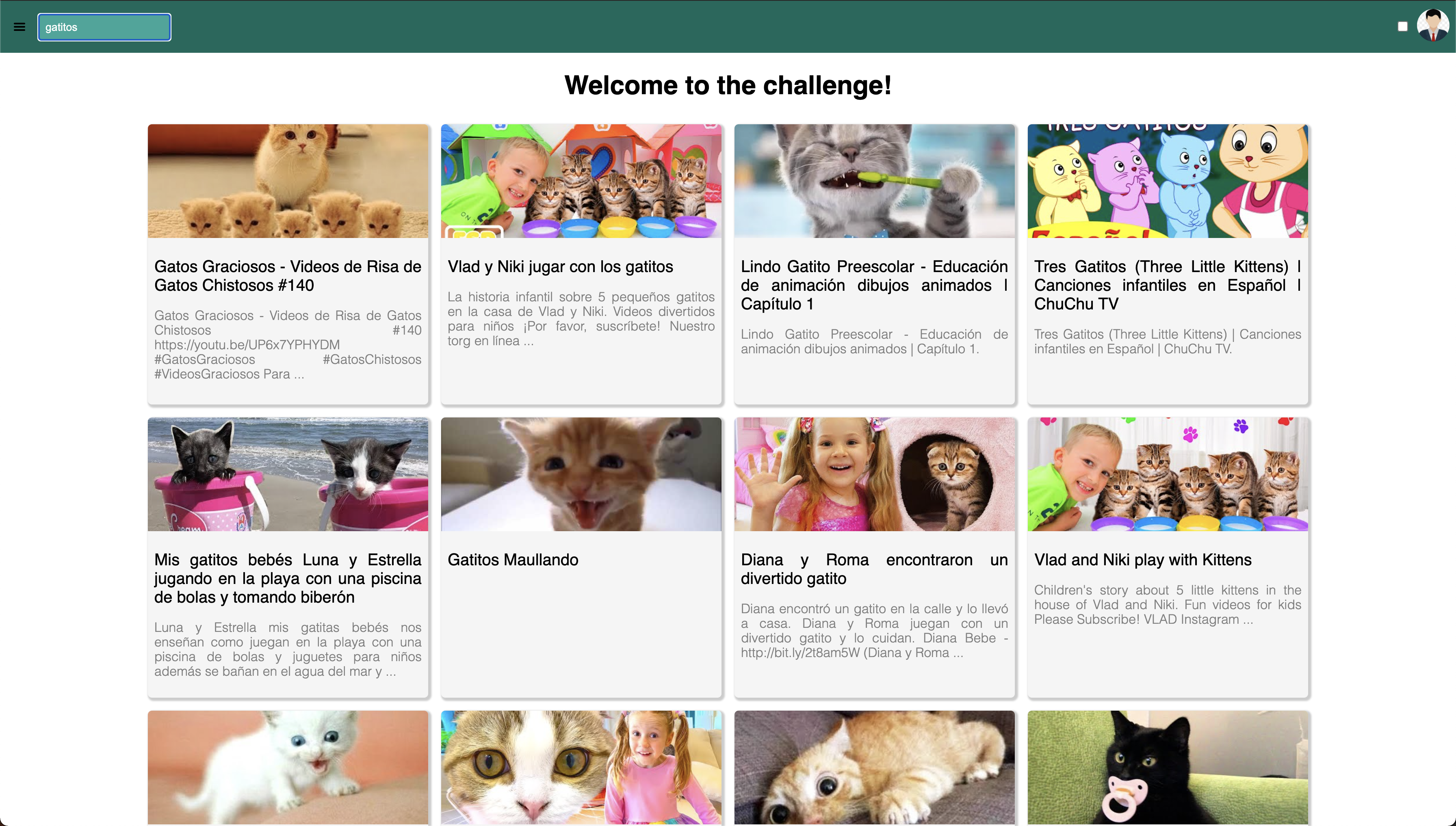
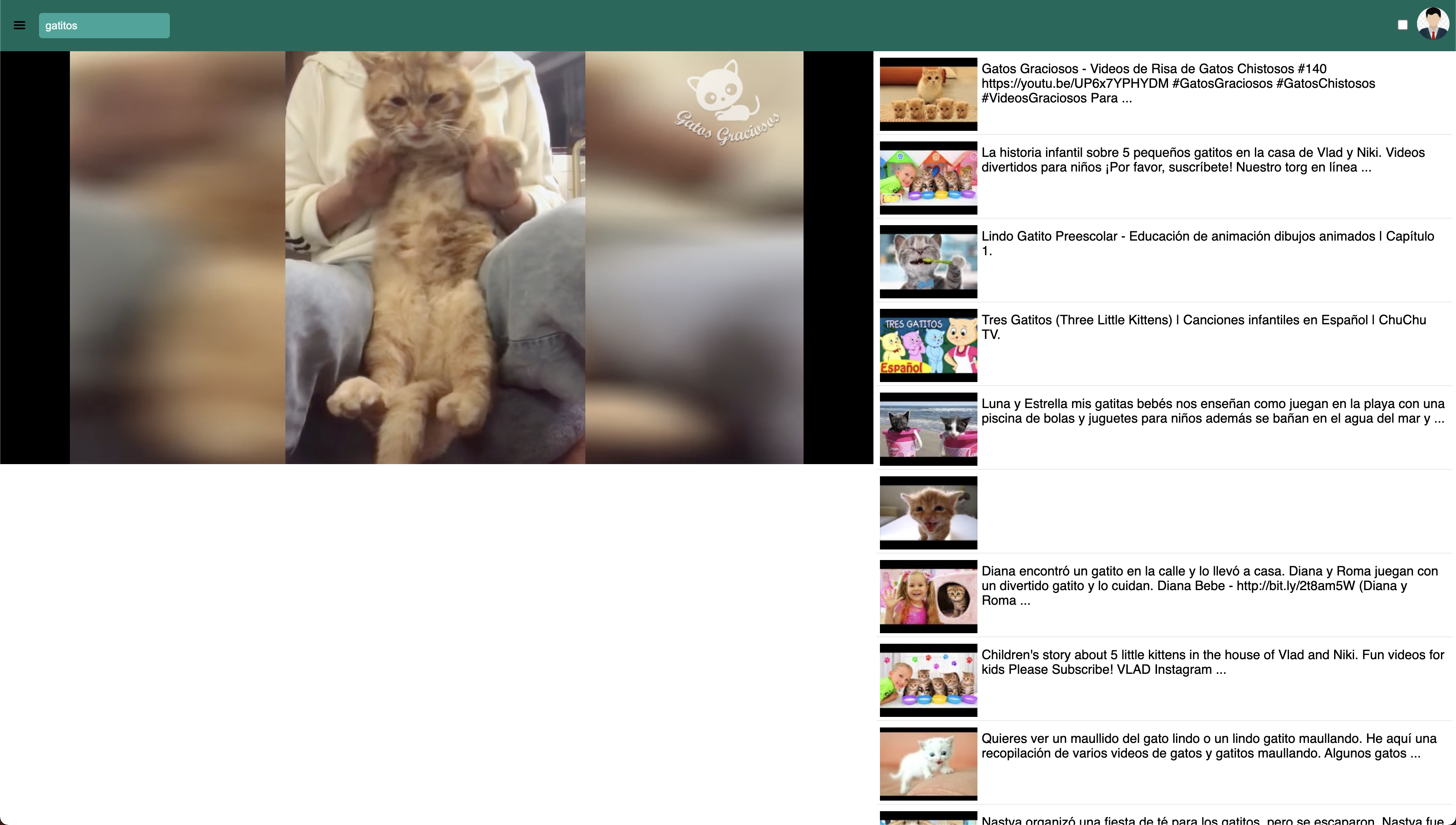
UI:
Theming prototype:
Coverage: