Product Page | Docs | API Reference | Demos | Blog | Code Samples | Free Support | Temporary License | EULA
Try our free online apps demonstrating some of the most popular Aspose.Cells functionality.
Aspose.Cells.GridJs for Java is a lightweight, scalable, and customizable toolkit that provides cross-platform web applications, enables convenient development for editing or viewing Excel/Spreadsheet files, offers simple deployment, and provides easy-to-use APIs.
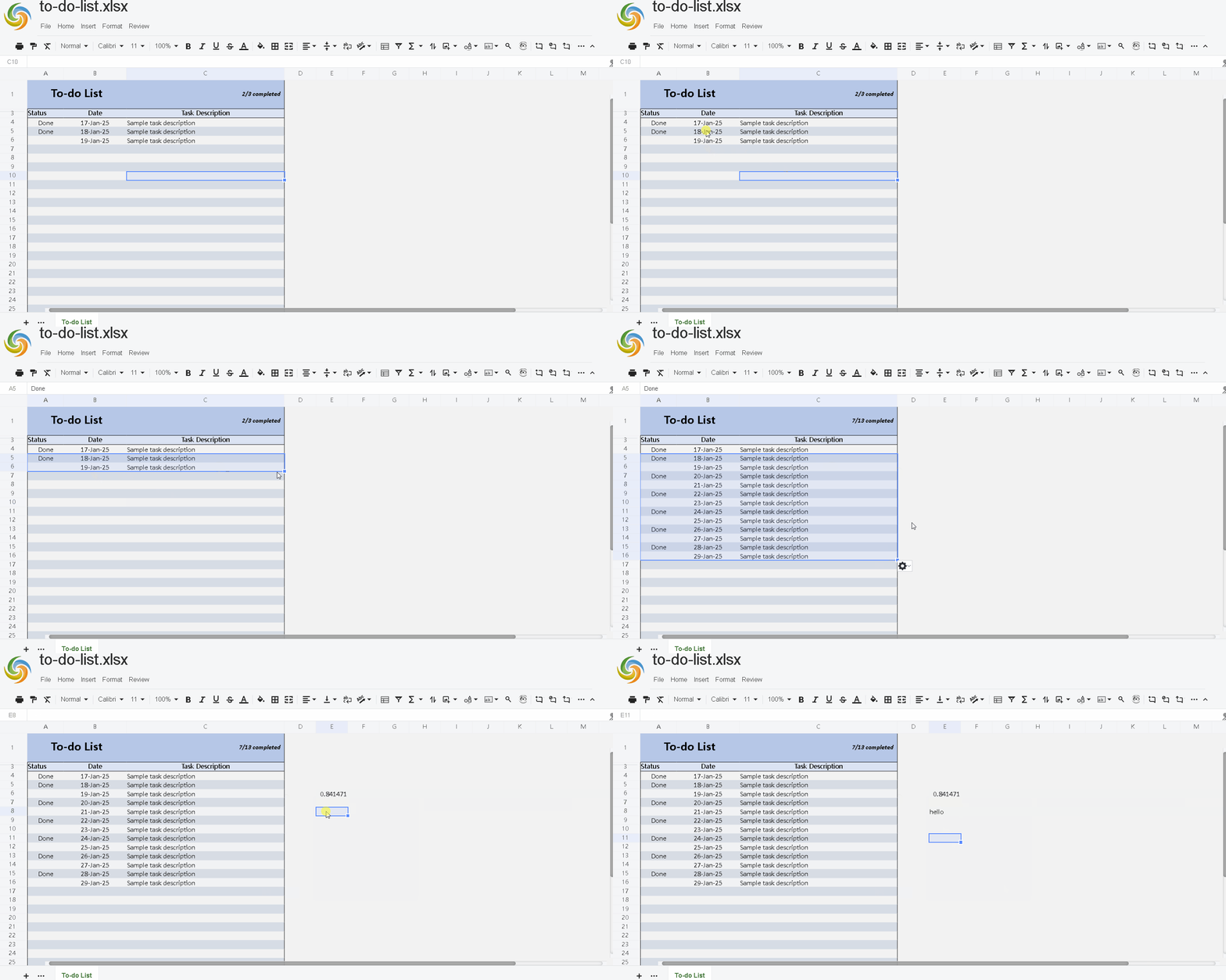
This is a demo to show how we can use GridJs to implment a spreadsheet Editor .
###1.edit the properties in src\main\resources\application.properties to meet your local environment
# This is the directory contains the spread sheet files
testconfig.ListDir=/app/wb

# Directory for storing cache files
testconfig.CachePath=/app/grid_cache

# Directory for storing upload files
testconfig.UploadPath=/app/upload

# License file for Aspose.Cells
testconfig.AsposeLicensePath=/app/license
###2.run src\main\java\com\aspose\gridjs\demo\GridjsdemoApplication.java
open browser and navigate to view all the files in the directory at http://localhost:8080/gridjsdemo/list
-
docker build -t gridjs-demo-java .
-
run with aspose license file:
docker run -d -p 8080:8080 -v C:/path/to/license.txt:/app/license gridjs-demo-javaor just run the demo in trial mode:
docker run -d -p 8080:8080 gridjs-demo-java- open browser and enter the url: http://localhost:8080/gridjsdemo/list
jquery.js v2.1.1
jquery-ui.js v1.12.1
jquery-ui.css v1.12.1
jszip.min.js v3.6.0
bootstrap.css v22.5.5.2
quantumui.css v22.5.5.2
- Website: www.aspose.com
- Product Home: Aspose.Cells for Java
- Download: Download Aspose.Cells for Java
- Documentation: Aspose.Cells for Java Documentation
- Forum: Aspose.Cells for Java Forum
- Blog: Aspose.Cells for Java Blog